Skip to product information
1 of 11

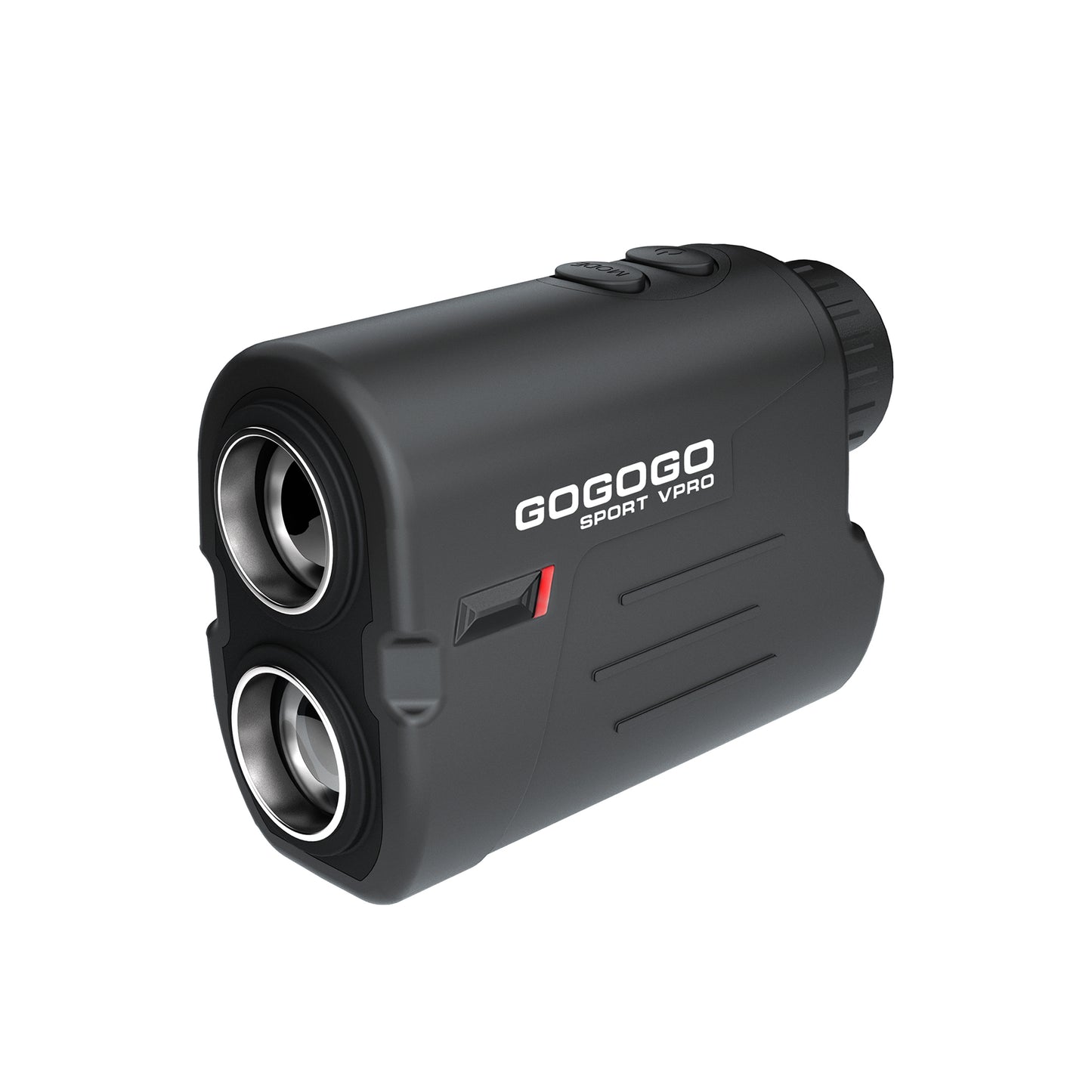
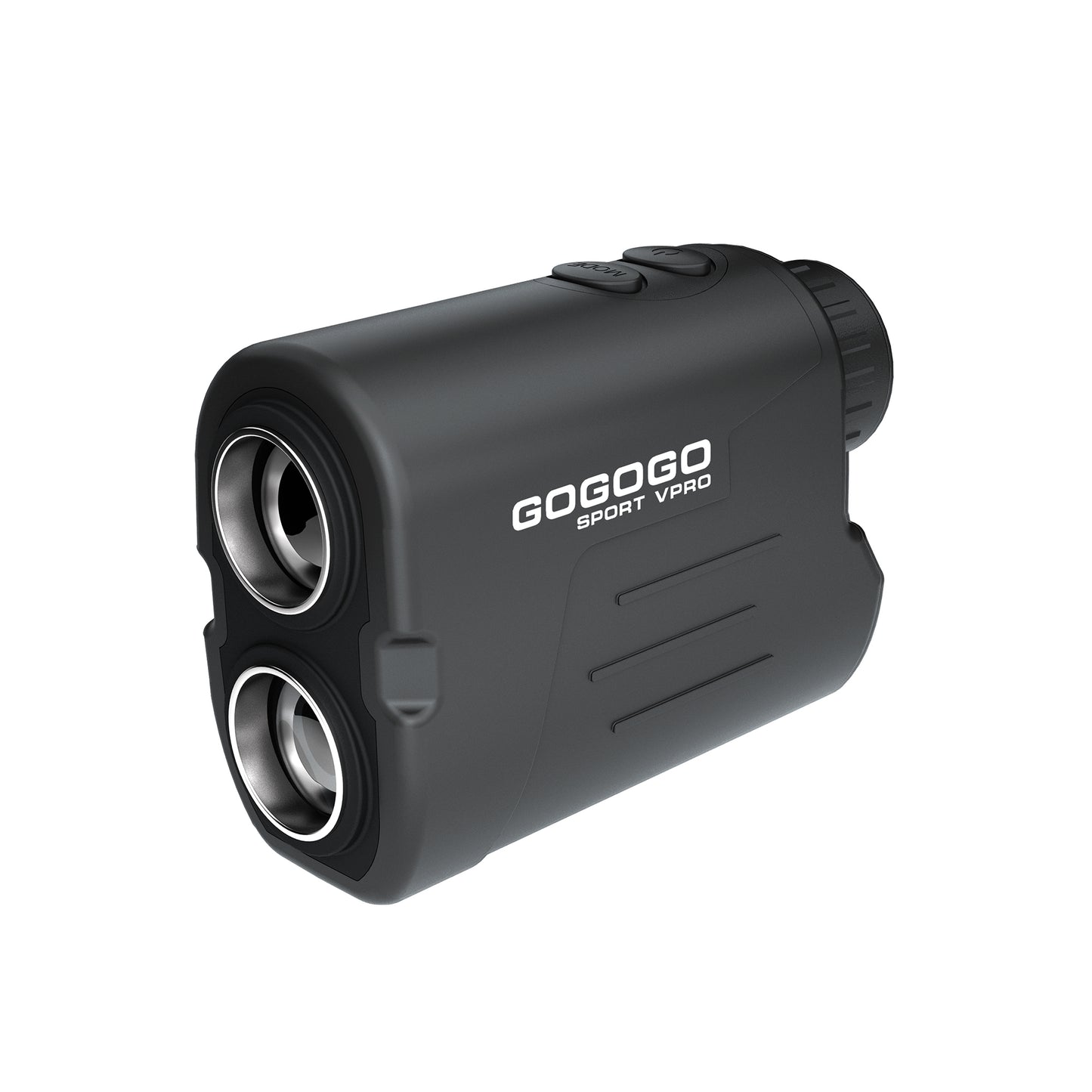
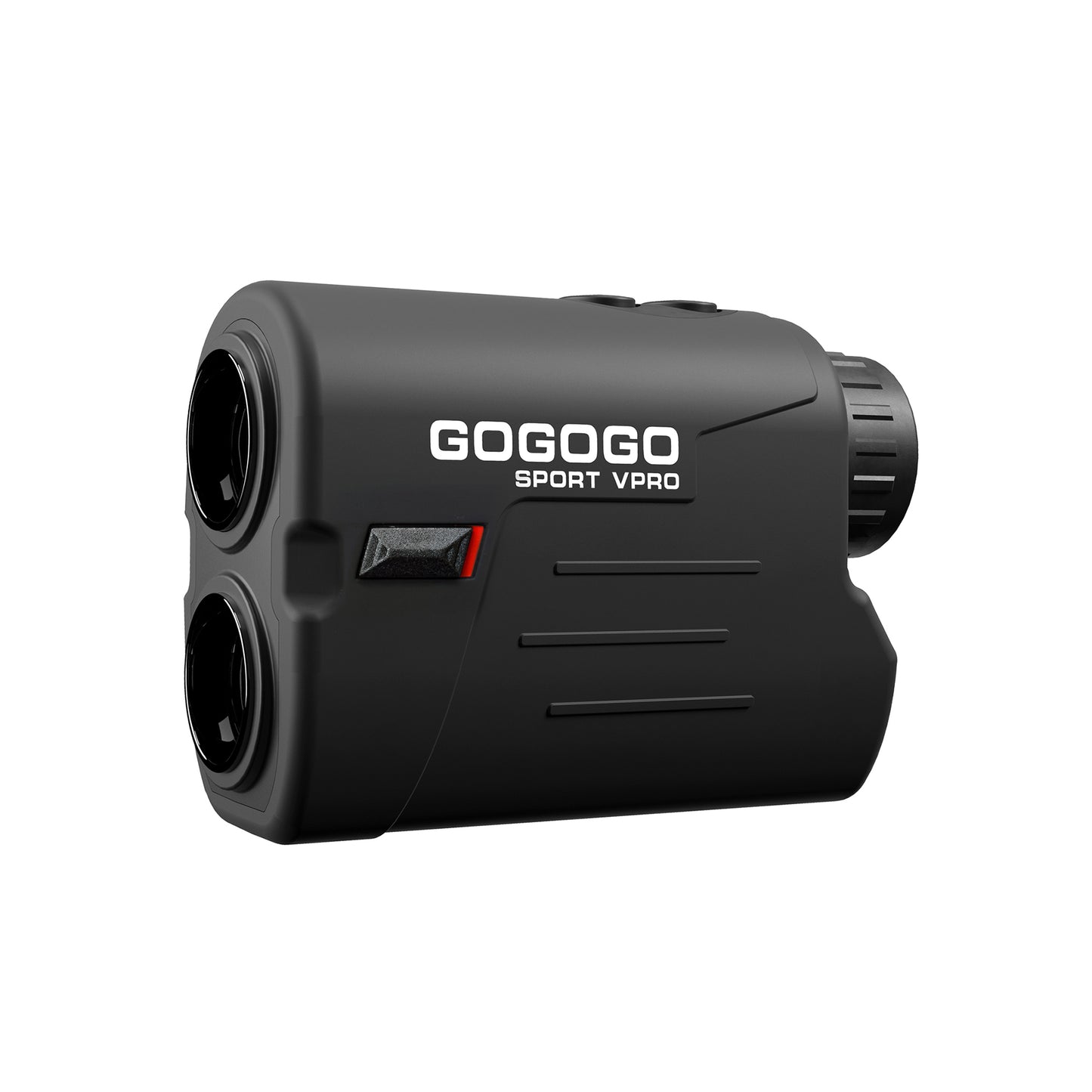
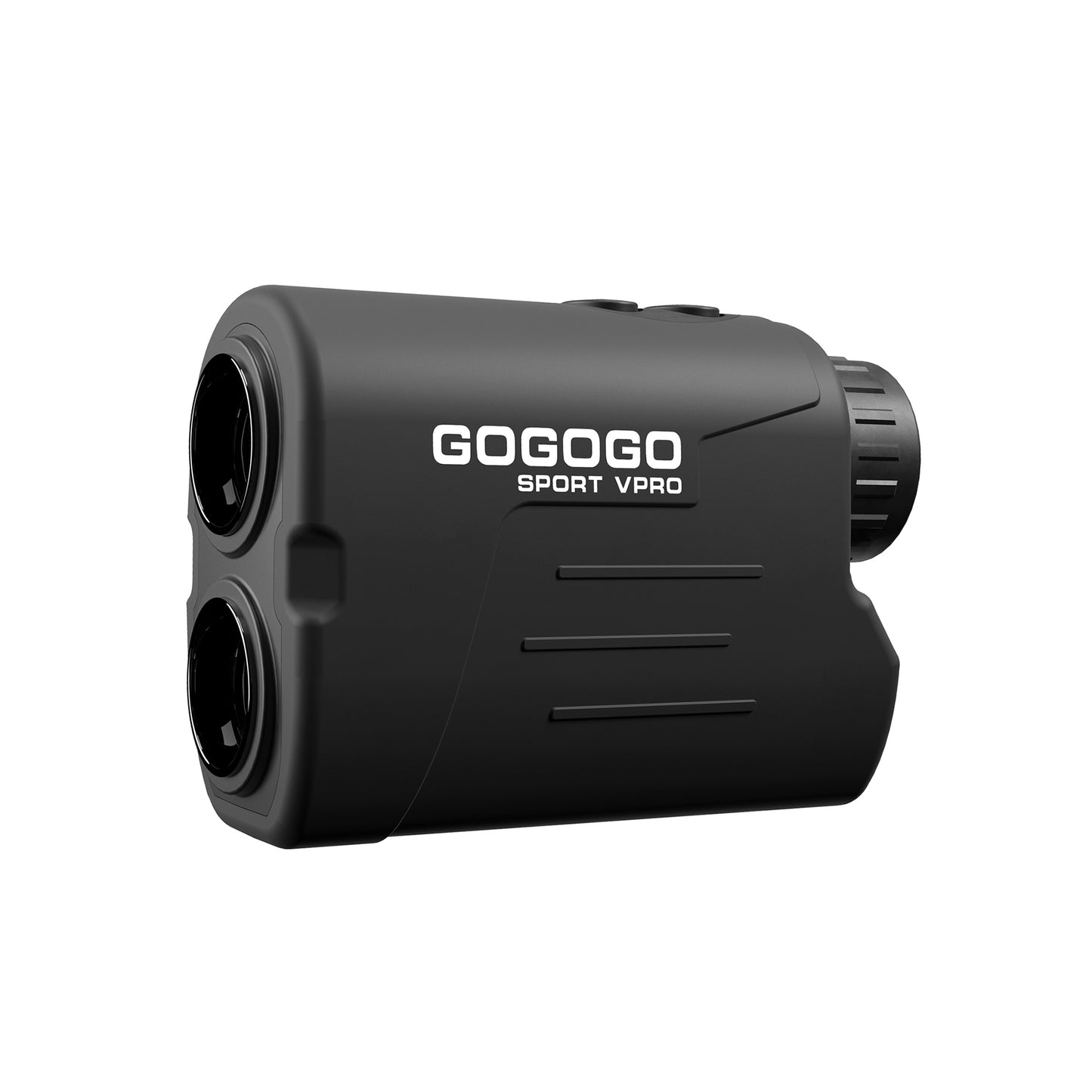
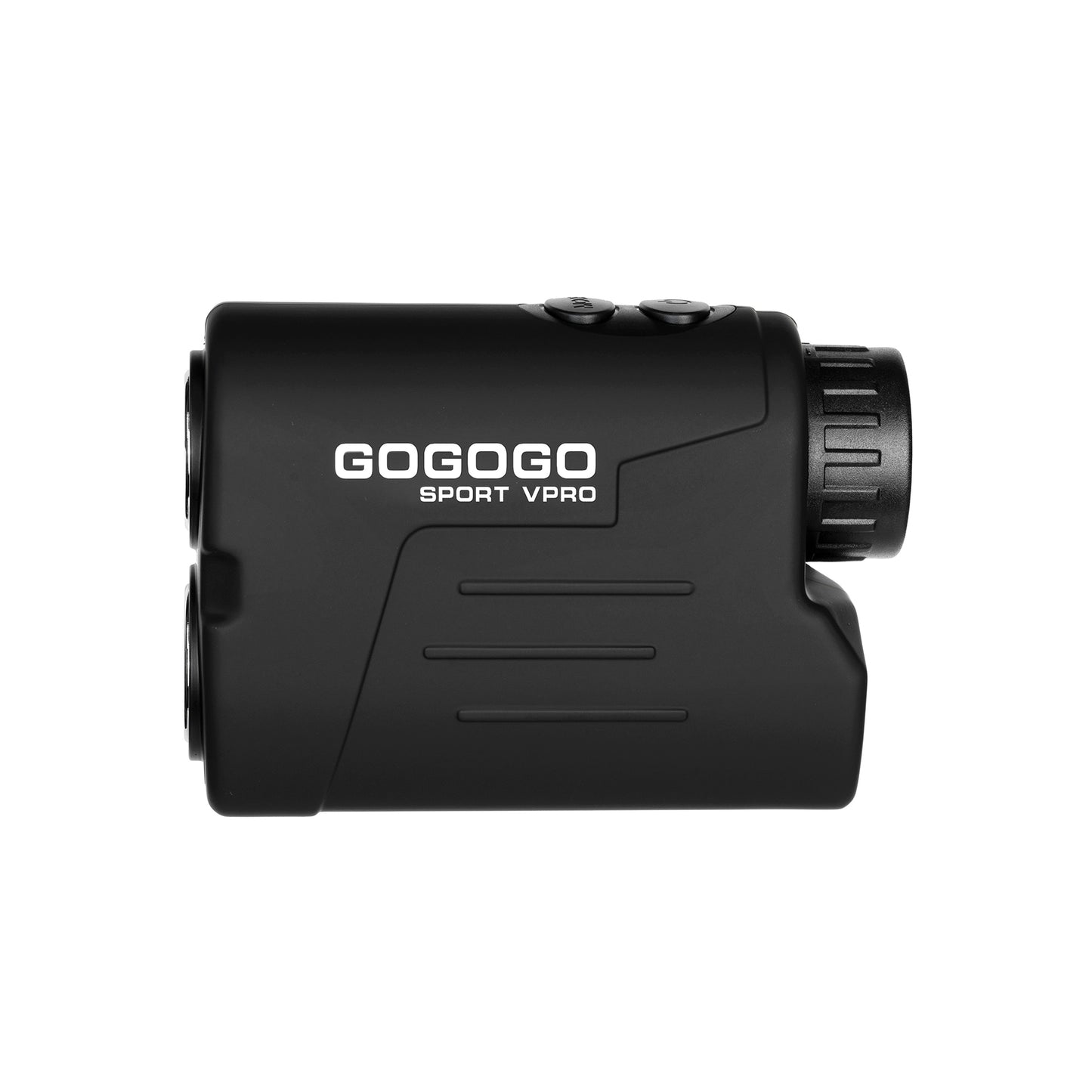
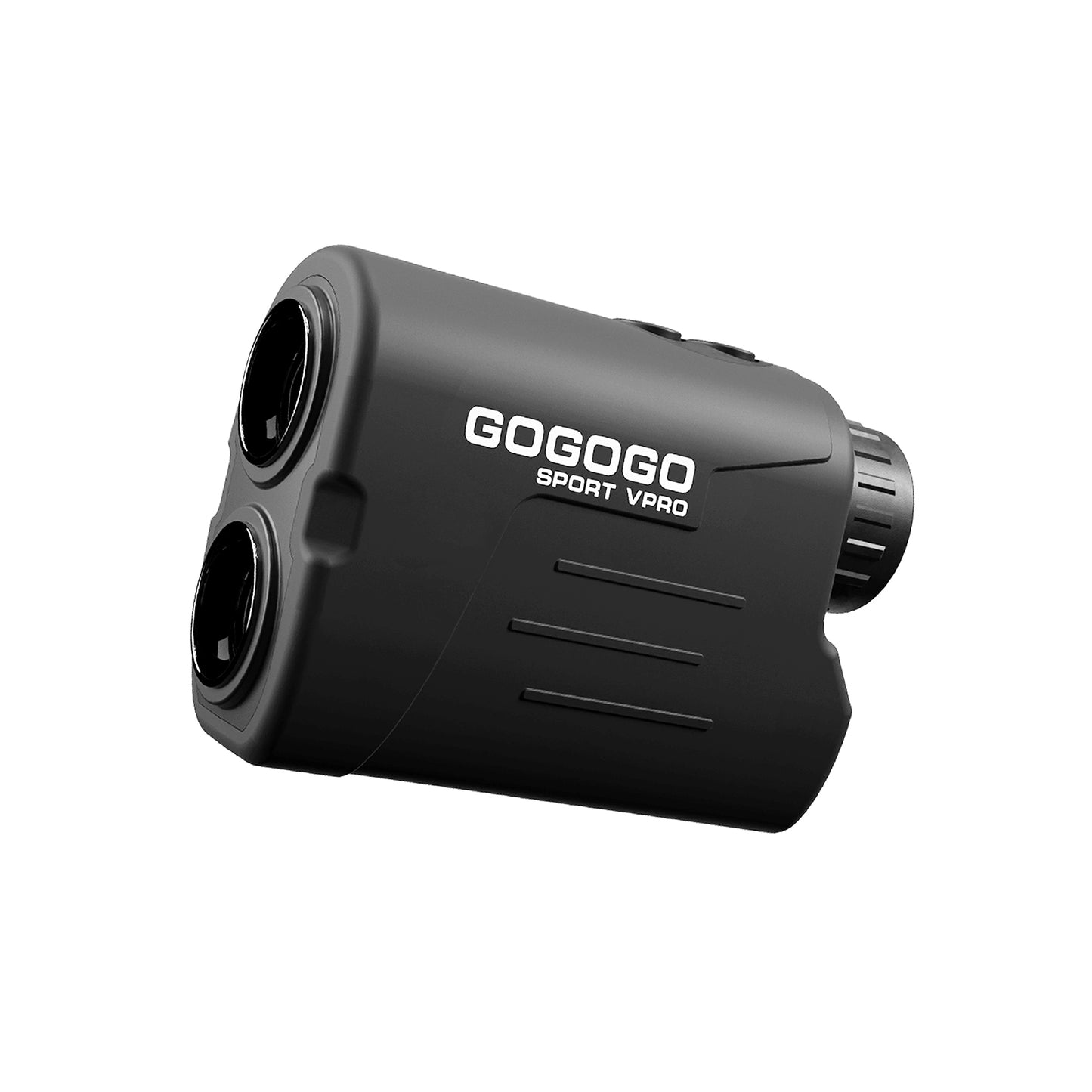
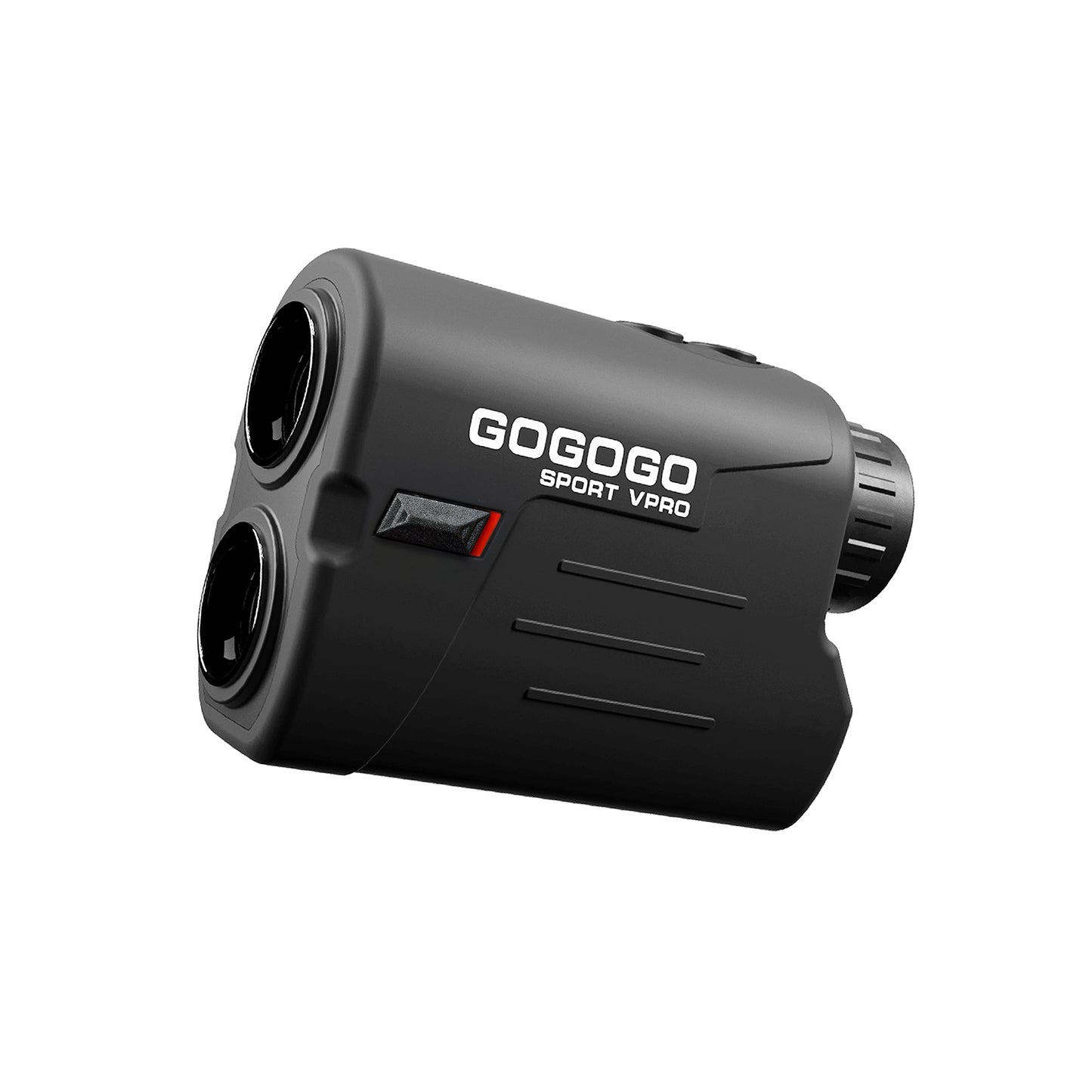
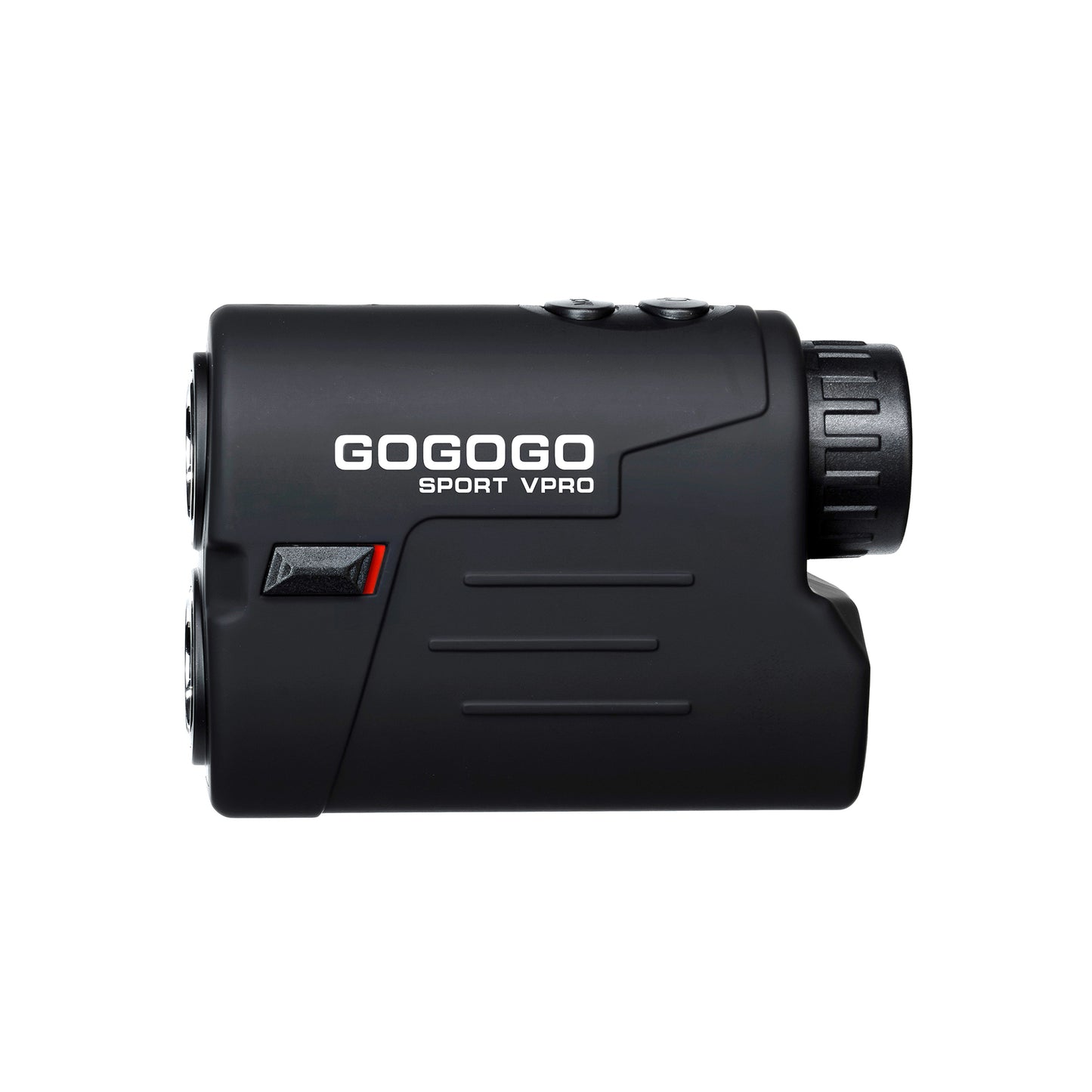
GOGOGO SPORT VPRO

GS03 Series Laser Golf Rangefinder

GS03 Series Laser Golf Rangefinder

Regular price $109.99 USD
Regular price $0.00 USD Sale price $109.99 USD
Sale Sold out
Style
View full details

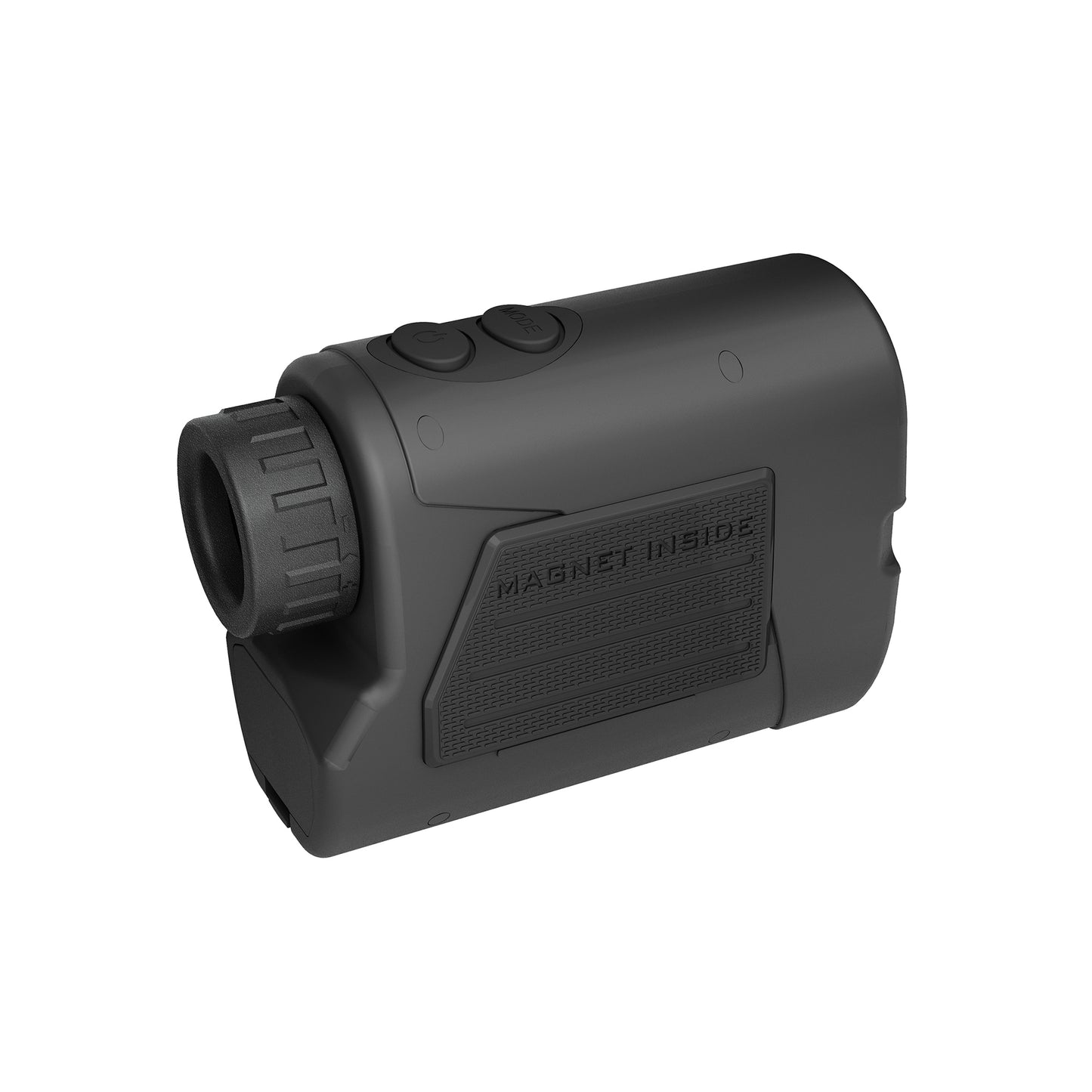
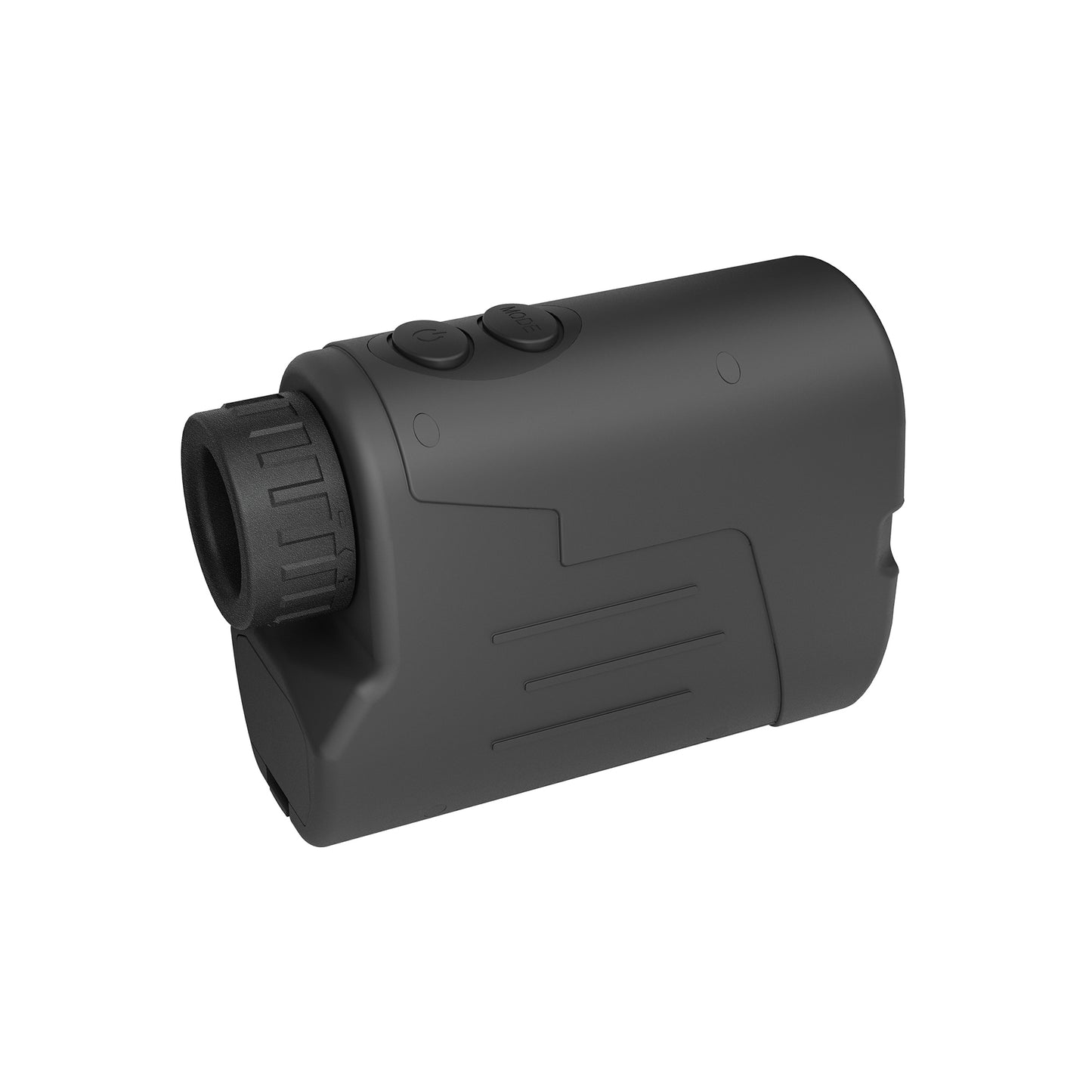
GS03 Series Rangefinder features 3 modes: Scan, Golf (with pin-seek, flag-lock, vibration, and slope function), and Speed. Lightweight, accurate to ±1 yard.

Rangefinder、Carrying Case、Rope、Manual、Cr2 Battery
2-7 Days Shipping

Shipment of all US orders will take around 2-7 days. The rest of the countries may need to be delivered in 5-25 days.


After placing an order successfully, we send an e-mail to tell you the shipping details and order status within 24 hours. In the meantime, please feel free to contact us if you have any questions.

Email Address: support@gogogosport.com

M1 – Distance & Scan Mode

Single press: Single press for a single measurement. Long press: Press and hold while moving the device to continuously update distances in real time.

M2 – Golf Slope Mode

Measured distance, angle, and slope-adjusted distance. Slope ON: shows full data with flag lock vibration. Slope OFF: shows only actual distance and flag icon.

M3 – Speed Mode

Measures the speed of moving targets quickly and accurately.

Accuracy & Precision

6x magnification, max range 1000 yards, flagpole lock:250 yards, flag lock:300 yards, accuracy ±1 yards and 0.38s flag lock.

Tournament-Legal (GS03MTL)

Rule-Compliant Slope-Off Mode. Ensuring full compliance with USGA Rule 4.3a for events that prohibit slope compensation.

Built-In Magnet (GS03MTL)

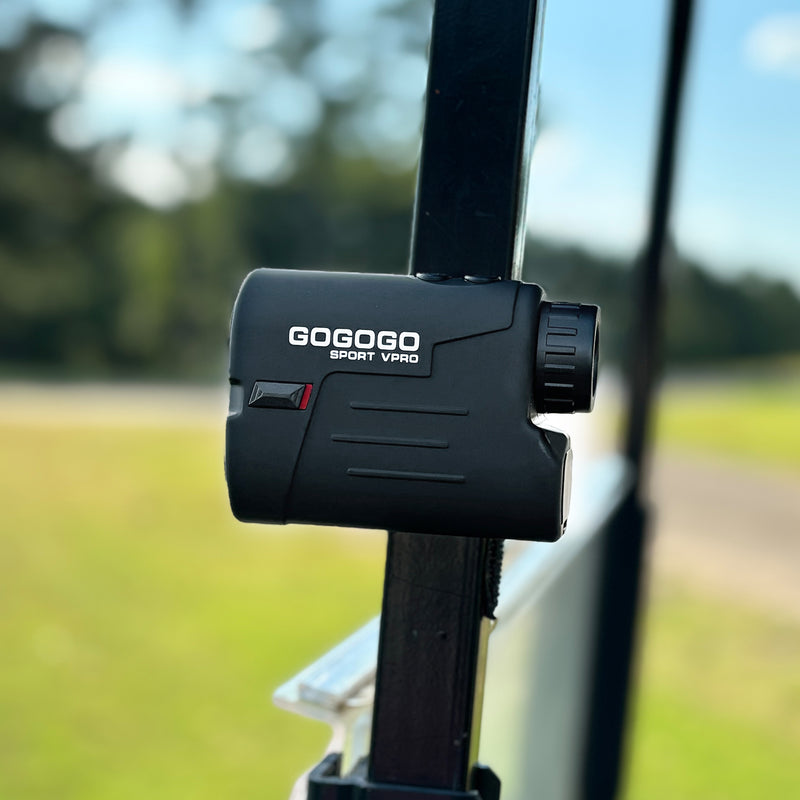
Engineered with a powerful internal magnet to secure mounting on golf carts—no shifting, even on the move.

GS03 vs GS03 MTL

GS03 MTL: Includes slope switch and magnetic mount GS03: No slope switch, no magnetic mount All core distance functions are the same.

Multi-Unit Display

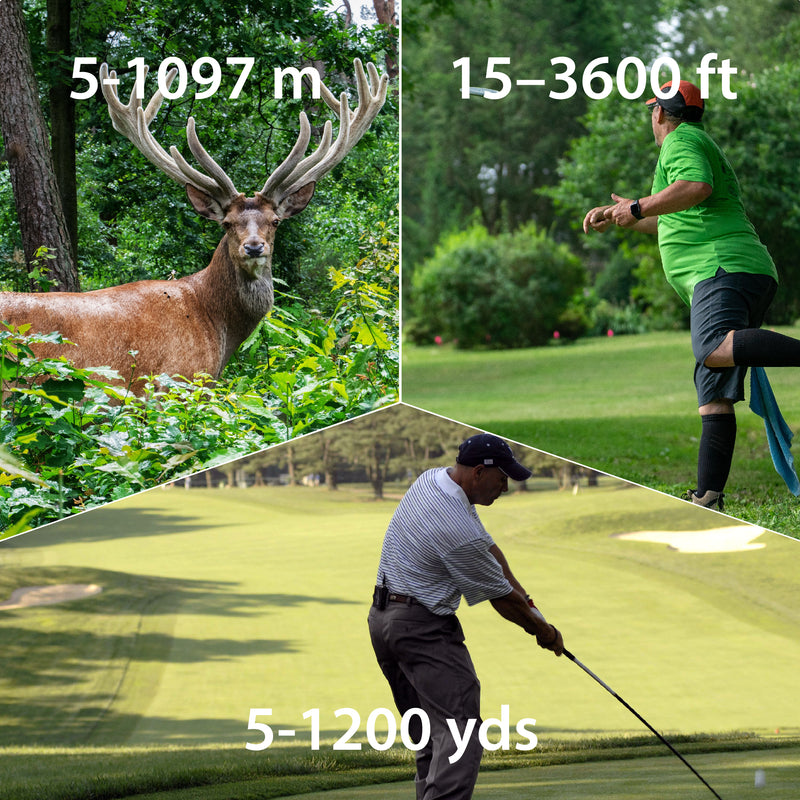
Multiple unit switching coverage: 5–1000 yds for golf, 5–914 m for hunting, and 15–3000 ft for disc golf.

Replaceable battery

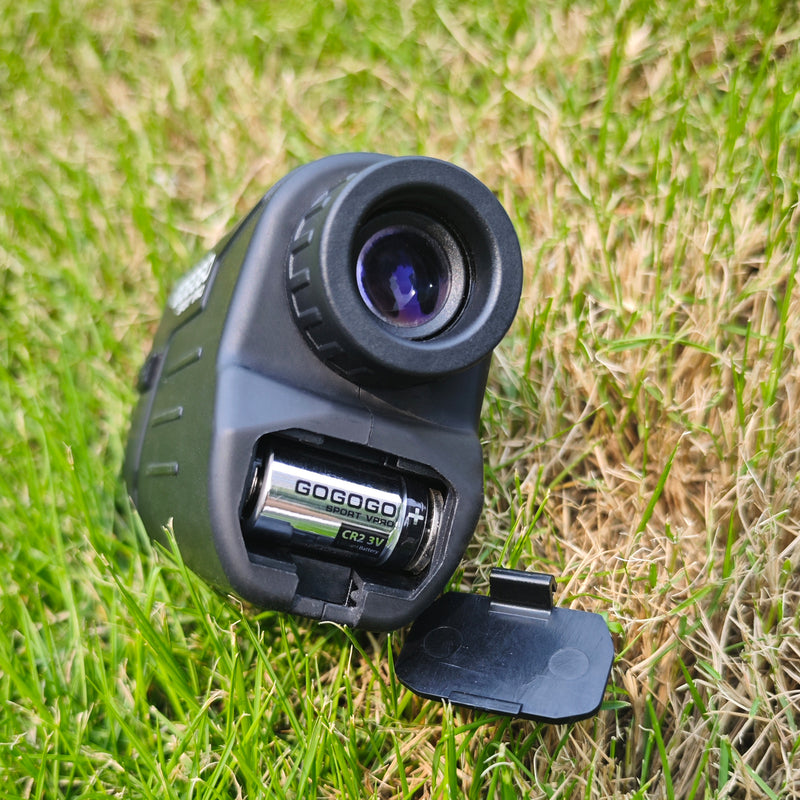
Powered by a CR2 battery—no charging required. With long-lasting shelf life, stable voltage, and zero maintenance hassles.

Frequently Asked Questions

How to switch units?

Power on the rangefinder and look through the eyepiece. The measurement unit is shown in the top-right corner of the display.

In Mode 1 or Mode 2, press and hold the “MODE” button to switch between Yards and Meters/Feet.

Note: The unit cannot be changed in Mode 3.

Why is my rangefinder not charging?

Please make sure you are using the original charging cable and a standard USB charger. Fast chargers or Apple chargers may not be compatible due to different output voltages.

GOGOGO rangefinders are designed for standard USB charging only. If the issue persists, please try switching to a different standard USB power adapter.

What should I do if there is fog in the lens?

Place the rangefinder in uncooked rice or a dry, well-ventilated area. After a few days, the internal fog will disappear.

Why won’t my rangefinder turn on?

Please check whether the battery has sufficient power (try replacing with a new battery if possible).
Please make sure the battery is installed in the correct direction (+ / -).
Please check if the insulating plastic film on the battery has been removed.

GOGOGO GS33